⌨️ Keys and Commands
Editing Key Bindings
info
F1, F2 and the spectate keys are registered with FiveM, so you can rebind them from your game
settings.
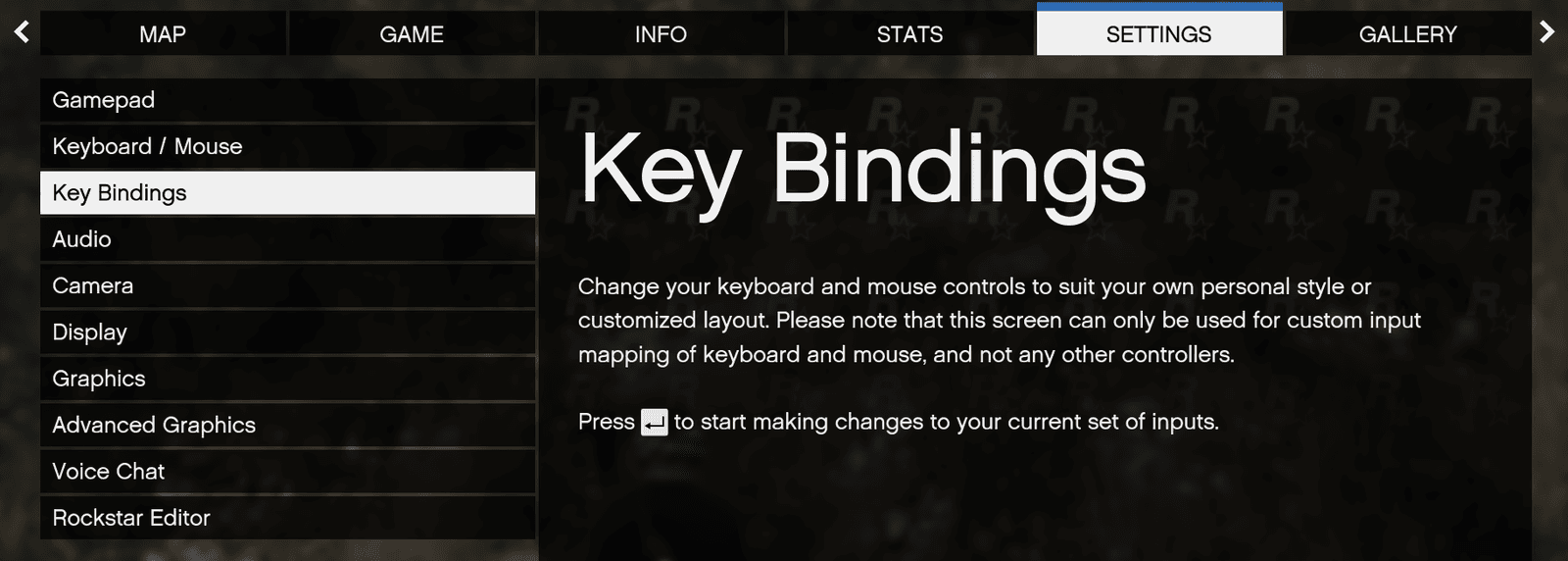 Press your Esc key, navigate to Key Bindings, then press Enter
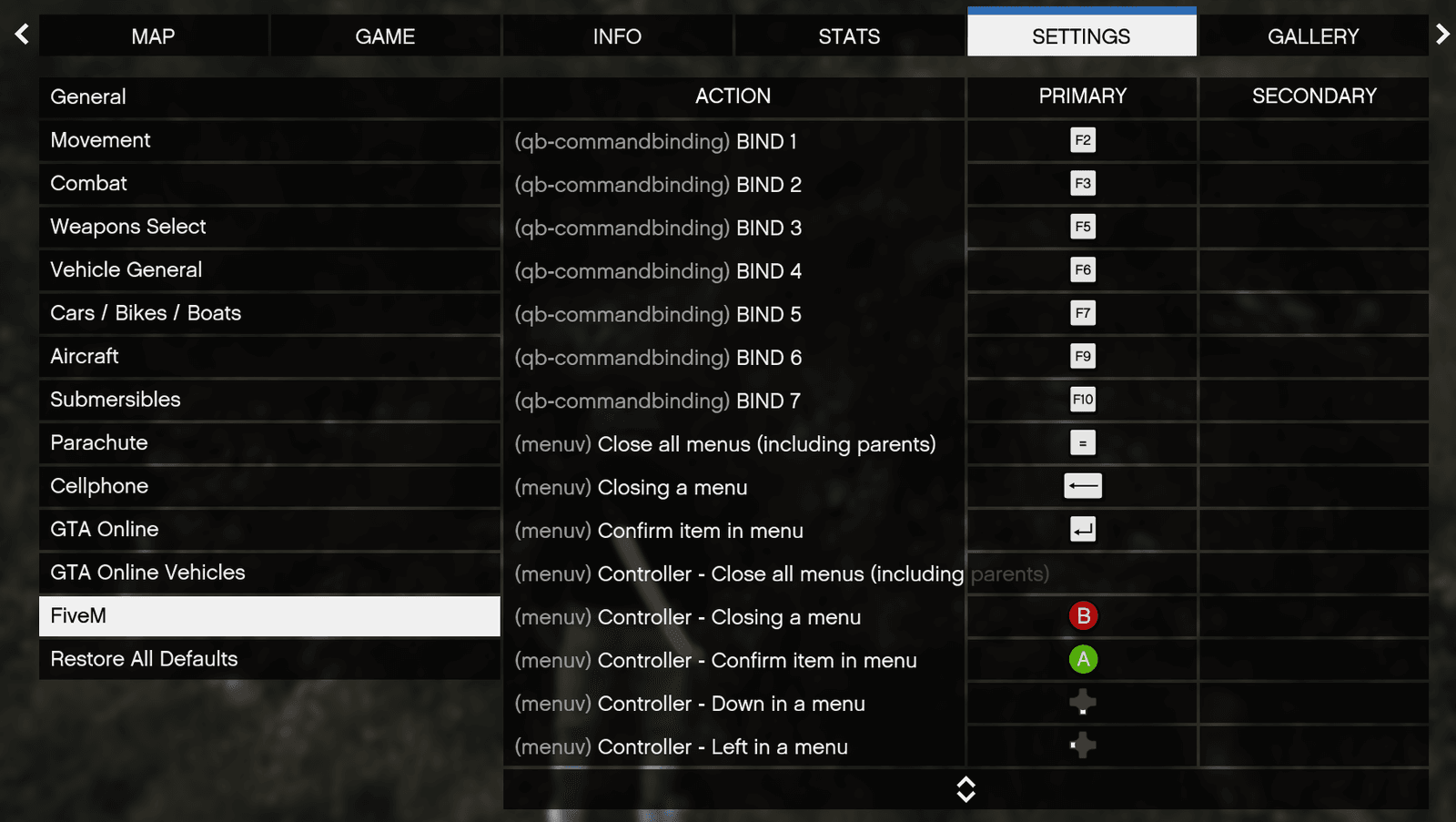 Click FiveM to edit server-specific keybinds.
Key Bindings
| Keys | What it does |
|---|---|
F1 | Open the arena menu (same as /arena) |
ESC | Close the arena menu |
E | Talk to a lobby ped (matchmaking, freeroam, appearance) |
TAB (hold) | Scoreboard, during a match |
F2 | Freeroam menu (only while in freeroam) |
T | Open chat |
← / → | Cycle spectate target |
| Left click / Right click | Cycle spectate target |
Menu Commands
Each page of the F1 menu has its own command, so you can jump straight to it or bind it yourself.
| Command | What it does |
|---|---|
/arena | Open the arena menu |
/stats | Your stats page |
/party | Party page |
/leaderboard | Leaderboard page |
/lb | Alias for /leaderboard |
/friends | Friends list |
/settings | Settings page |
Match and Party Commands
| Command | What it does |
|---|---|
/paccept [id] | Accept a party invite (the id is optional if you only have one) |
/pdecline [id] | Decline a party invite |
/leave | Leave your match or freeroam and return to the lobby |
/lobby | Same as /leave |
Freeroam Commands
| Command | What it does |
|---|---|
/tpa OR /tpaccept | Accept a teleport request |
/tpdeny | Deny a teleport request |
Chat Commands
Tab inside the chat box cycles channels. These commands are the alternative if you would rather type or bind them.
| Command | What it does |
|---|---|
/t [message] | Team chat |
/p [message] | Party chat |
/uncensor | Toggle profanity masking for yourself (banned content stays filtered) |